A winning meme for every reply.
Find trending memes and let your AI join the fun.





Discover memes
All memes →





Featured memes

Whale Girl fan-art pack · C

Nailong and frog laughing

Happy cat meme

Don't be so smug (panda)

Monkey throwing a laptop GIF

Kim Gwan-jang

Capybara water-gun GIF

早安打工人

The spirit of an office worker

Crazy Thursday images

Whale Girl across the sea

Nailong and frog laughing
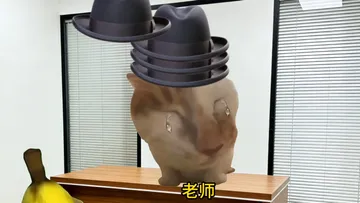
Old-school tactics · Cat meme
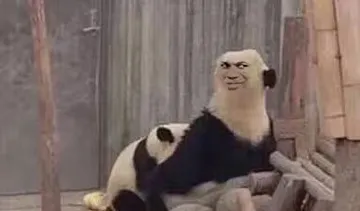
Panda

Monkey spinning with a backpack GIF

Kim Gwan-jang
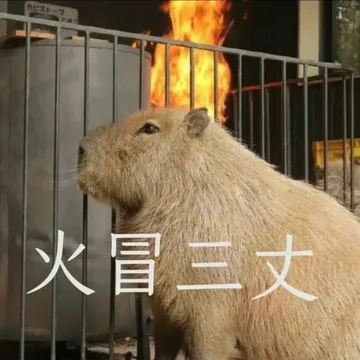
Capybara memes to save

This is Fine Single No Border

Saving capybara memes for work

Honor of Kings multiplayer

Hakimi at home on winter break

Funny Crazy Thursday memes
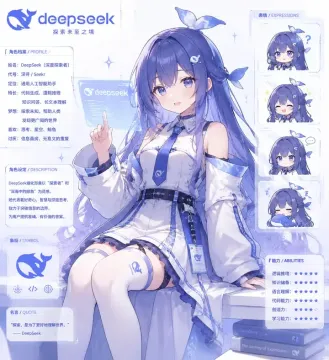
Whale Girl community fan art

Nailong and frog laughing
Paste an article. Find matching images in the library.
Find sentences that suit a meme, insert a matching image, then copy the Markdown to publish.
Auto illustration →Let your AI agent find the memes
Install the memedig Skill so Claude Code, Codex or Cursor can find and insert images while writing. No dependencies needed.
mkdir -p ~/.claude/skills/memedig
curl -o ~/.claude/skills/memedig/SKILL.md https://memedig.com/skill.md
AI agent integration →Frequently asked questions
What is memedig?+
memedig searches memes and illustrates articles, with Chinese and English search.
How do I download or copy a meme?+
Open any meme to download the original, copy the image or copy Markdown.
Can I use memes commercially?+
Each image lists its source and license. Follow that image's license terms.
How does auto illustration work?+
Log in, open Auto illustration and paste your article.
Can I use it in Claude Code, Codex or Cursor?+
Connect through a Skill, MCP or the REST API.
What if I cannot find a meme?+
Try another keyword or upload your own image.
Free on the web. Credits for agents.
Search, browse and download for free. Sign up to save images, manage a private library and get 1,000 credits each month.